

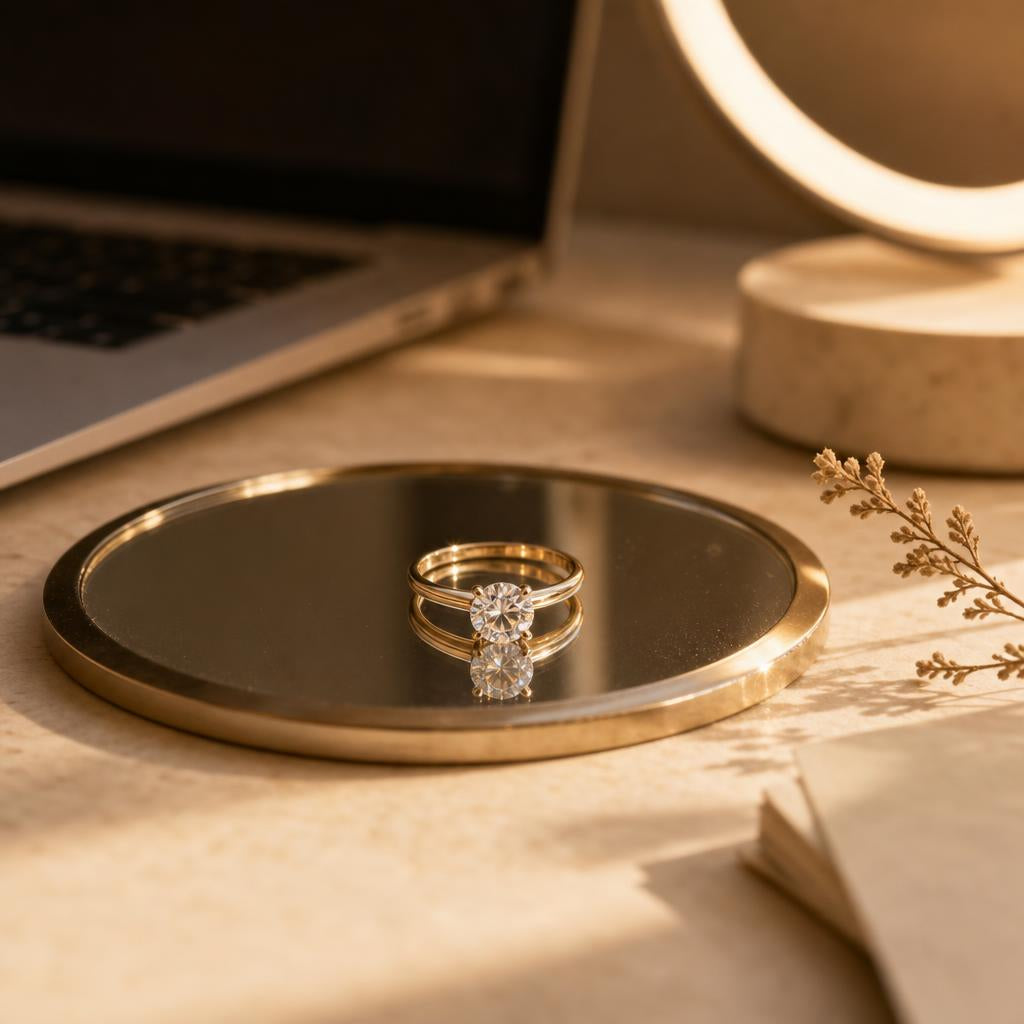
Rings for Video Calls: What Actually Reads Well on Camera
You notice it before anyone says a word — the moment your hand lifts to gesture, reaches for your coffee just out of frame, or settles under your chin while you listen. On a video call, your ring spends more time in close-up than almost anything else you're wearing, and not every ring is built for that kind of scrutiny.
Some rings seem to glow no matter how tired your laptop camera is. Others — often the very ones that dazzle in person — wash into a flat white blob or vanish into shadow the second your hand drifts toward the keyboard. The difference has less to do with how "nice" a ring is and much more to do with a handful of specific, learnable traits. Here's a spread of styles worth knowing before your next big call.


Why Some Rings "Disappear" on Screen (and Others Don't)
A webcam is a terrible photographer. It compresses light, flattens depth, and auto-adjusts exposure in a way that's forgiving to faces but often unkind to jewelry. A ring that reads as rich and dimensional across a table in person can turn into a single flat glare-spot the moment a laptop camera decides your hand is the brightest thing in frame. This isn't a flaw in the ring — it's a mismatch between how the stone is cut to perform under real, moving light and how a fixed, low-resolution camera actually captures it.
The good news is that this is entirely predictable once you know what to look for. A few structural choices — the cut of the center stone, the width of the band, how the metal sits against your skin tone — decide whether a ring reads as "quietly beautiful" or "oddly washed out" on a call. None of it requires buying a completely different kind of ring. It just means knowing which ring in your collection to actually reach for on the mornings that matter.
The Traits That Actually Read Well on a Webcam
Brilliance vs. glare
Large, flat-faceted stones — think oversized round brilliants under harsh top light — can throw back so much reflected light that a webcam's auto-exposure clips it into a featureless white patch. Smaller, more numerous facets (as in a pavé band or a halo of accent stones) scatter that same light into dozens of smaller points instead of one blinding one, which a compressed video feed renders far more gracefully. This is why a ring with a full halo or a pavé shoulder often looks more "sparkly" on a call than a bigger single stone, even though the single stone is objectively larger.
Metal tone and your screen's white balance
Most laptop cameras skew slightly cool and slightly overexposed, especially under office fluorescents or a ring light set to daylight temperature. Cooler metals — sterling silver, white gold — tend to hold their color accurately under that kind of light. Warmer tones, rose gold especially, can shift subtly duller on camera than they appear to the eye, simply because the auto white balance is compensating for skin tone, not metal tone. Neither is wrong; it's just worth knowing which one your specific setup flatters before you decide what to wear on a big call.
Profile and shadow
A tall, deep setting casts a harder shadow across the top of your finger under the kind of steep, downward light most desks produce — a ring light above a laptop, an overhead office fixture. A lower-profile setting sits closer to the skin, so that shadow is smaller and the stone itself stays the visual focus instead of the dark gap underneath it. If your hands are frequently in frame — resting near your face, gesturing while you talk — profile matters more than most people expect.
✦ Pro tip: Angle whatever light source you have — window, ring light, desk lamp — slightly to the side rather than straight overhead. Side light lets a stone's facets catch and release light as your hand moves, which is exactly the kind of subtle sparkle that reads well on camera without blowing out the exposure.
Solitaires, Pavé, and Halo Settings — How Each One Behaves on Camera
A solitaire is the simplest test case: one stone, one job. On camera, it tends to do one of two things — either it catches the light beautifully in short, deliberate flashes as your hand moves, or it sits still under flat light and reads as a single pale circle with little dimension. The difference usually comes down to depth of cut and prong height, which is why a solitaire with a bit of elevation, like The Lumière Ring's 4-prong setting, tends to hold its shape and shimmer even when the lighting isn't doing it any favors.
Pavé and hidden-halo settings behave differently because they're built from many small reflective surfaces rather than one large one. That's an advantage on a webcam specifically: instead of one bright spot the camera has to expose for, you get a scattered, low-level shimmer across the whole band that reads as texture rather than glare. It's part of why full eternity bands photograph so consistently well in close-up product shots and in real, unscripted hand movement alike.

The Kensington Ring
An emerald cut reads as controlled, architectural light rather than a single hot flash — exactly the kind of restraint a webcam rewards. The hidden halo beneath the center stone adds a quiet layer of sparkle without competing for the camera's exposure, so it holds its shape whether you're under office lighting or a ring light.
Shop The Kensington Ring →The Hand-Position Problem No One Talks About
Most advice about "photogenic" rings assumes a still, posed hand — the kind you'd hold for an engagement photo. Video calls don't work that way. Your hands are typing, holding a mug, propping up your chin, or gesturing mid-sentence, which means your ring is rarely presented to the camera the way it was designed to be seen. This is where band width and stone height quietly matter more than sparkle: a very tall setting can catch on a laptop lid, twist sideways when you type, or simply rotate out of view entirely, while a slightly lower, well-balanced setting tends to stay put and face outward through normal hand movement.
There's also a simple habit that makes a bigger difference than any ring choice: where you rest your hand in frame. A hand resting flat near your chin or cheek — a common, unconscious "listening" pose — puts the top of the ring directly toward the camera, which is the most flattering angle almost any setting can be shown from. A hand curled around a mug or resting on a desk edge tends to angle the stone downward, away from the lens, which is why even a beautiful ring can look oddly quiet on a call for reasons that have nothing to do with the ring itself.
Worth knowing: If you know a call matters — a client pitch, an interview, a presentation — do a 10-second check beforehand. Rest your hand near your face the way you naturally would while listening, glance at your own video preview, and adjust the angle slightly if the stone is facing away from the lens.
One Ring or a Stack? What Reads Clearly at Video-Call Distance
Camera distance changes what actually registers. In person, a delicate stack of thin bands reads as intentional layering. On a laptop camera, viewed from a foot or two away and compressed into a small video tile, several thin bands can blur into a single indistinct line of metal — the individual detail simply doesn't survive the resolution. A single, well-chosen ring, or a stack built around one dominant piece with only one or two supporting bands, tends to hold its shape and read clearly even at that distance and that resolution.
This doesn't mean retiring your stack for every call — it means being deliberate about which piece leads. A textured, detailed band like a vintage-inspired milgrain setting can act as that quiet anchor, since its detail comes from surface texture rather than a single large stone, and texture tends to survive video compression better than fine, thin lines do.

The Beatrice Ring
A milgrain bezel band gives this round cut a soft, textured shimmer instead of one hard flash of light — a detail that reads clearly even in a small, compressed video tile. A dependable single-ring choice for the days you don't want to think twice about what's on your hand.
Shop The Beatrice Ring →A Quick Ring Audit Before Your Next Big Call
None of this requires an overhaul of your jewelry box. It just means pausing for a moment before a call that actually matters and asking a few quick questions: Is the stone cut in a way that scatters light, or throws it all in one direction? Does the metal tone suit the light in the room you're sitting in? Is the setting low enough that it won't twist out of view the moment you start typing? And is this a moment for one deliberate ring, or a stack you've actually tested on camera before?
Answering those in your head takes about as long as it does to read this paragraph — and it's the difference between a ring that quietly does its job on screen and one you forget you're even wearing.
Quick Takeaways
- Pavé and hidden-halo settings scatter light into a soft shimmer that survives webcam compression better than one large, flat-faceted stone.
- Cooler metals like sterling silver tend to hold their true color under typical laptop-camera white balance; warmer tones can look subtly duller than they do in person.
- Lower-profile settings cast smaller shadows and stay angled toward the camera through normal hand movement — ideal if your hands are often near your face on calls.
- Thin, multi-band stacks can blur together at video-call distance; anchor a stack with one dominant, textured piece for clarity.
- Resting your hand near your chin or cheek — a natural listening pose — happens to be the most flattering angle for almost any ring on camera.
Frequently Asked Questions
Does a bigger stone always look better on a video call?
Not necessarily. A larger, flat-faceted stone can overexpose under a webcam's auto white balance and read as a single bright patch rather than genuine sparkle. A well-cut, moderately sized stone with good depth often reads as more dimensional and "sparkly" on camera than a bigger one under harsh, direct light.
Should I take my ring off for video calls to avoid distracting glare?
Rarely necessary — most glare issues come down to light angle rather than the ring itself. Shifting a lamp or ring light slightly off-center, away from directly overhead, usually resolves it without needing to remove anything.
Is silver or gold better for video calls?
Neither is universally better — it depends on your room's lighting and your camera's white balance. Cooler daylight-toned light tends to flatter silver and white gold, while warmer incandescent or lamp light tends to flatter yellow and rose gold. If you work under consistent lighting, it's worth noticing which metal tone actually looks truest on your own screen.
Why does my ring look different on camera than it does in person?
Cameras compress dynamic range and auto-adjust exposure for skin tone, not jewelry, so a stone's true brilliance and a metal's true color both get flattened somewhat. It's a limitation of the camera and the video compression, not a sign that the ring itself has changed or looks worse than you think it does in person.
None of this is about choosing a ring for the camera instead of for yourself — it's about understanding your existing rings well enough to know which one to reach for on the mornings when a screen is doing the looking. The right ring for a video call is still, first and foremost, the ring you actually love wearing.


